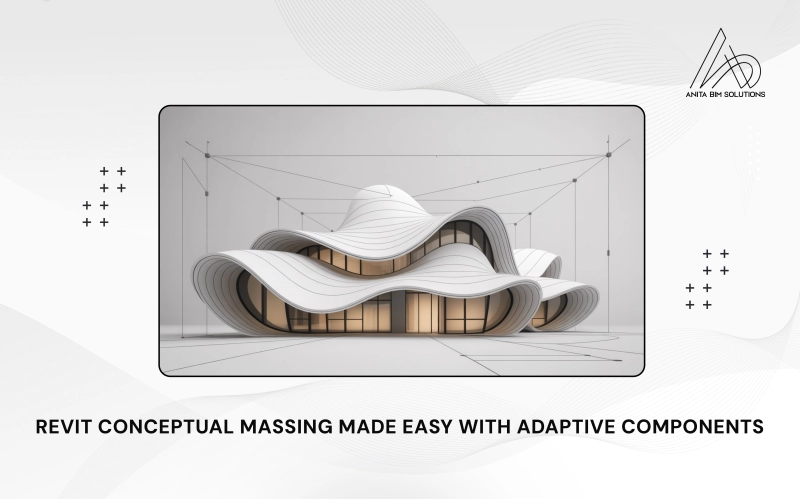
Adaptive Components and Conceptual Massing in Revit are powerful tools that help architects and designers create unique and complex building shapes. Conceptual massing lets you build simple 3D forms to represent your design ideas quickly, while adaptive components are flexible building parts that change shape and position to fit on these forms. Together, they allow you to design curved facades, flowing roofs, and patterned panels that match the building's shape perfectly.
This combination makes it easier to move from early design sketches to detailed, buildable models. By using adaptive components on conceptual masses, you can create intricate and custom elements that automatically adjust as the design changes. This blog will explain how to use these features step-by-step, helping you bring creative ideas to life efficiently in Revit.
What Are Adaptive Components?
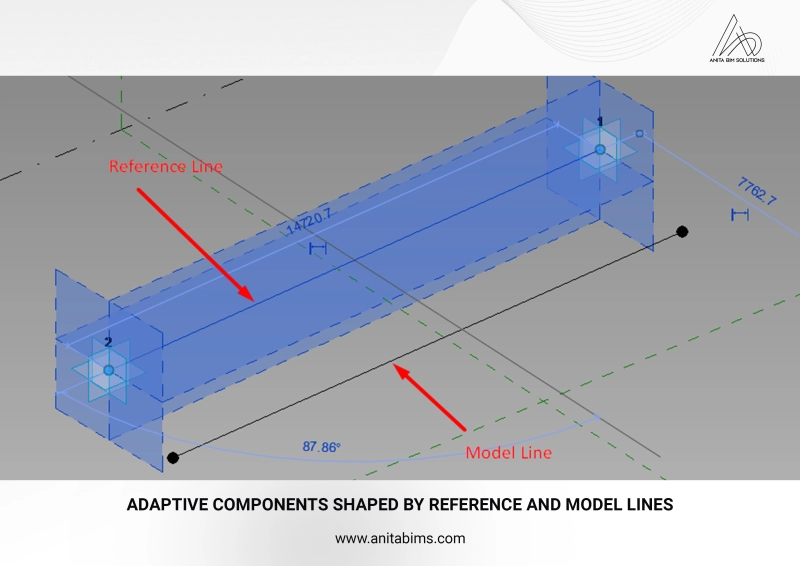
Adaptive components in Revit are special parametric families designed to flexibly adapt to multiple positions defined by adaptive points. Unlike regular families, which have fixed insertion points and rigid geometry, adaptive components can be placed at various points on hosts such as divided surfaces and edges, allowing them to stretch, tilt, or rotate based on host geometry. These adaptive points act as control nodes for the component’s shape and location.
There are two common types of adaptive family templates:
Parameters within these families control dimensions, rotations, and visibility, enabling designers to customize each instance while maintaining overall parametric control. This flexibility makes adaptive components ideal for panels, structural grids, railing systems, and other elements requiring non-uniform placement.
Conceptual massing is a Revit environment used to create preliminary building shapes and forms visually and spatially before detailed modeling begins. You can build masses using reference planes, splines, lofts, extrusions, and sweeps. The mass serves as the host geometry where adaptive components can be placed, transforming abstract forms into practical, repeatable building parts.
Key features of conceptual massing include:
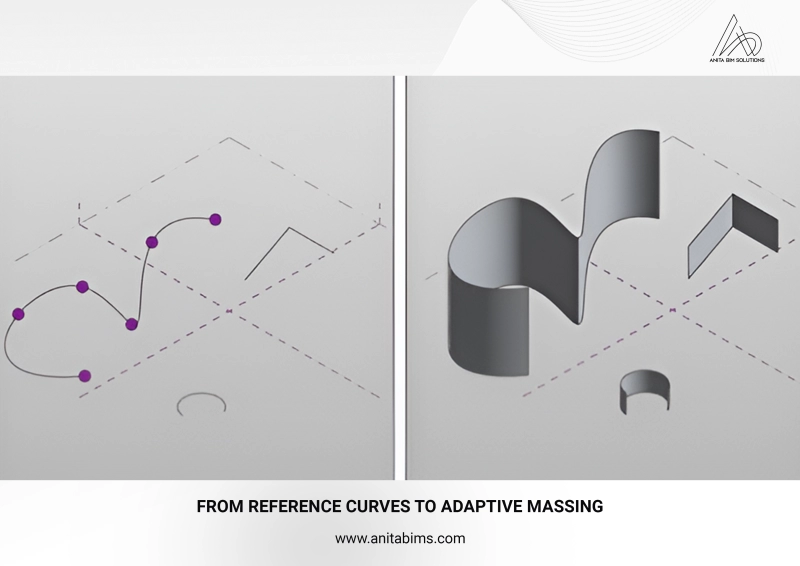
Step 1: Create Your Conceptual Mass:
Step 2: Develop the Adaptive Component Family:
Step 3: Place Adaptive Components on the Mass:
Adaptive components on conceptual masses are widely used for:
This method integrates conceptual visualization and technical control, offering a seamless path from early design ideas to detailed, constructible BIM models. By mastering adaptive components with conceptual massing, BIM professionals can unlock new levels of creativity and precision in Revit workflows. If you want to learn adaptive components and conceptual massing in Revit in a practical way, Anita BIM Solutions is the best place in Kochi to start your BIM journey. The institute focuses on hands-on training, real project workflows, and industry-relevant skills, helping you go beyond theory. With expert guidance, you gain the confidence and practical knowledge needed to build a successful career in BIM.